
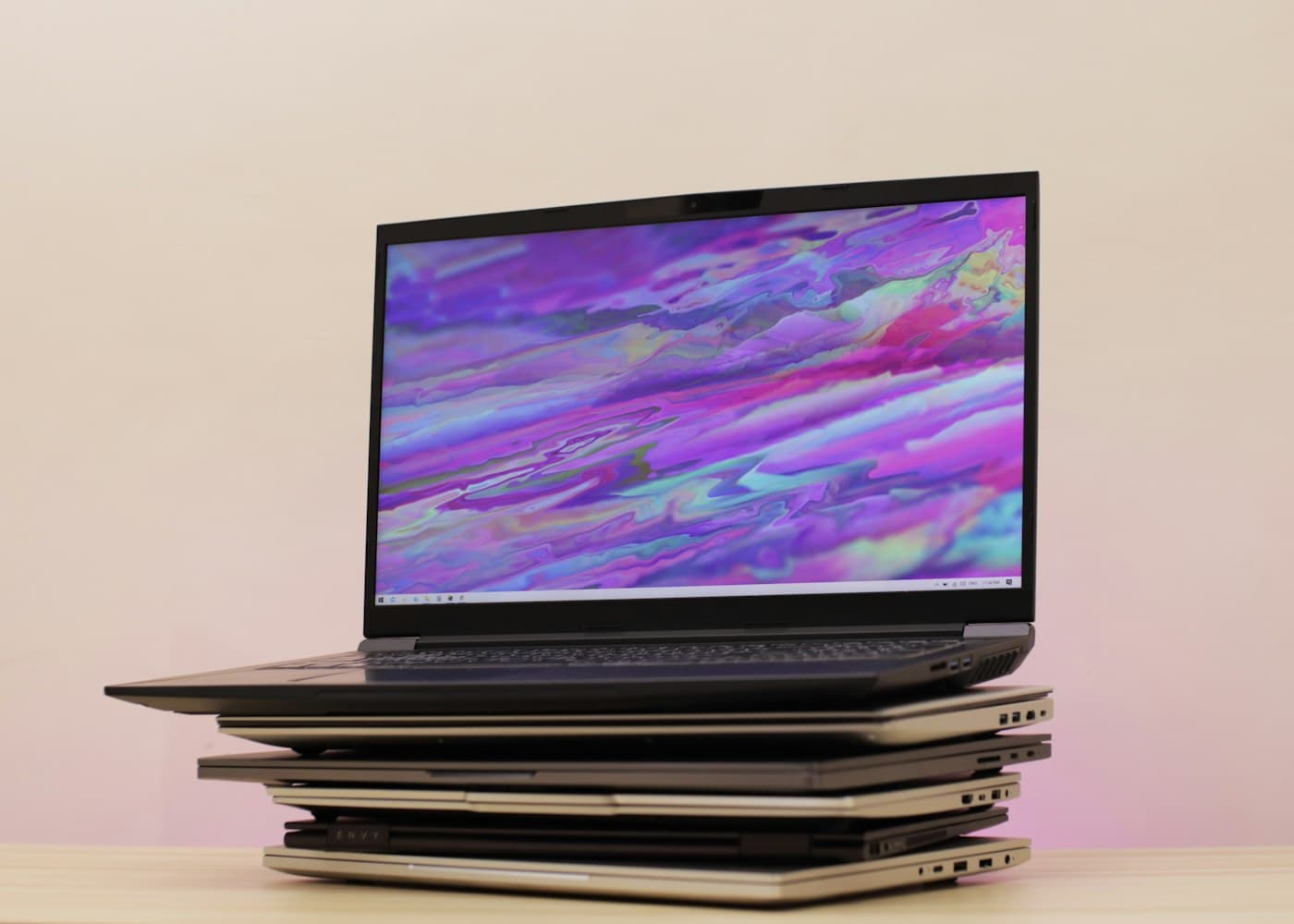
Why old computers pile up
Computers rarely retire on a schedule. A three- or four-year refresh replaces some machines, departing employees leave laptops behind, a closed project leaves a rack of workstations and nobody owns the decision to dispose of them. Retired machines migrate to storage rooms, where they sit for years holding data and taking up space.
Recent platform changes have accelerated the problem. Microsoft ended support for Windows 10 in October 2025, and Windows 11 requires newer hardware, including TPM 2.0 support. Many machines that worked perfectly well became ineligible for the upgrade and were pulled from service. If your organization is still working through that backlog, a structured retirement program is easier than clearing devices in dribs and drabs.
Westmark handles computer retirement as a single project: collection, tracking, data sanitization, resale or recycling, and reporting.
Encryption does not replace sanitization
Many business laptops use full-disk encryption such as BitLocker or FileVault. That is a strong control while the device is in service, but it is not a disposal strategy. Recovery keys are stored in directory services and management consoles, and encrypted data that merely sits on a retired drive is a liability for as long as the key exists or the cryptography weakens.
We sanitize encrypted drives like any others. Depending on your policy and the drive type, that means a verified purge, cryptographic erase where the device supports it, or physical destruction. If your devices are managed through a mobile device management platform, tell us whether each one has been removed from enrolment, since an enrolled machine that is still linked to a user account can cause trouble for the next owner if it is resold.
What your computers may be worth
Resale value depends on the device generation, specification, condition and quantity. Business-class laptops and desktops from recognized manufacturers, in the last three to five years, usually retain more value than consumer-grade machines. Sets of identical models in good condition are easier to sell than mixed batches. Missing chargers, cracked screens, swollen batteries and heavy wear reduce value. Very old machines often have no resale value at all and go straight to recycling.
Where equipment qualifies for resale, proceeds are credited against your invoice after inspection. We give you the expected disposition route in the itemized quote, so you can see which machines are likely to earn credit and which are headed for recycling.
- Higher value: current-generation business laptops, workstations, matching batches, original chargers included
- Moderate value: older but working business-class machines in good condition
- Low or no value: consumer-grade devices, cracked screens, swollen batteries, very old generations
Peripherals, monitors and accessories
Computer retirement usually involves more than the computers. Docking stations, chargers, keyboards, mice, headsets, webcams and monitors accumulate alongside them. Include them in the inventory. Monitors in good condition can often be reused. Chargers and docks can sometimes travel with matching laptops, which makes a batch more valuable. What cannot be reused is recycled with the rest of the load.
Servers and network equipment are covered under our ITAD service, and a single project can combine both if your clear-out spans end-user and infrastructure equipment.
Handling returns from remote and hybrid staff
Distributed workforces make retirement harder. Laptops are scattered across home addresses, and staff turnover means devices trickle in at different times. A practical approach is to centralize returns to one or two office locations, collect them in a locked room, and book a single Westmark pickup once a threshold is reached. A recurring program, for instance a quarterly pickup, keeps devices from accumulating and prevents the oldest returns from sitting unprotected for months.
If you need devices sanitized before they leave an office, tell us. Otherwise we handle sanitization once they arrive and are scanned.
Records and reporting
At the end of the project you receive a disposition summary and, on request, certificates listing the serial numbers of wiped or destroyed devices. The summary reconciles to your asset register, and the diversion figure supports sustainability reporting. If your team uses a standard template for IT disposal evidence, send it with the inventory.
We serve Toronto and the GTA, Windsor, Moncton, Fredericton and Halifax. Evening and weekend collection can be arranged where building rules require it.
How a project runs
- 1
Count the devices
List laptops, desktops, monitors and accessories, with locations and rough condition.
- 2
Confirm data policy
State whether drives should be purged for reuse or destroyed.
- 3
Pickup and scan
Devices are collected, scanned and tracked by serial number.
- 4
Sanitize and sort
Data is dealt with, then devices are routed to resale, parts or recycling.
- 5
Close out
Receive the disposition summary and certificates.
Service areas
We serve businesses across Ontario, New Brunswick and Nova Scotia. Select your city for local access notes and what to prepare.
Ontario: Toronto, Mississauga, Oakville, Brampton, Vaughan, Markham, Windsor
Atlantic Canada: Moncton, Fredericton, Halifax
Frequently asked questions
Do I need to wipe my laptops before you collect them?
No. Leave them as they are unless your policy requires otherwise, so each serial number stays linked to the machine. We sanitize drives as part of the project.
Can you recycle encrypted laptops?
Yes. Encryption is not a substitute for sanitization, so encrypted drives are purged or destroyed like any other, according to your policy.
Will we receive credit for newer laptops?
Where devices qualify for resale, proceeds are credited against your invoice after inspection. Newer business-class machines in matching batches usually have the most value.
What happens to computers that can't be resold?
They are dismantled and routed to certified recycling partners, and the outcome is recorded in your disposition summary.
Can you take monitors, docks and keyboards too?
Yes. Include peripherals in your inventory. Reusable items are resold or reused and the rest is recycled.
We have laptops spread across many staff. Can you help?
Yes. Gather returns at one or two locations and we collect them in a single pickup, or set up a recurring program.
Do you serve areas outside Toronto?
Yes. We serve Ontario, New Brunswick and Nova Scotia, including Windsor, Moncton, Fredericton and Halifax.